





























.1-190x190.webp "XPPen Artist Pro 27 (Gen 2) - Touch")

-190x190.webp "XPPen Artist Pro 22 (Gen2) Drawing Display - QHD")














-190x190.webp "Huion USB-C to USB-C Cable (UC06A)")
-190x190.webp "XPPen Pen nibs for X3 Pro Slim Stylus (ACTPD51A) - pack of 5")





-190x190w.webp "XPPen Felt Nibs (ACTPH10B) - pack of 5")


-190x190.webp "XPPen Pen Felt nibs for X3 Pro Slim Stylus (ACTPD51B) - pack of 5")




%20Artist%2015.6%20pro/AC91-190x190w.webp "XPPen Protective Film for Artist 15.6 Pro V2")





















-190x190.webp "XPPen X3 Elite Stylus Without eraser - PH10B")

Artist%2013.3%20Pro/ESRAC81-190x190.webp "XPPen AC81 Screen Protector Only For Artist 13.3 Pro")
%20for%20Wacom%20One%20Standard%20Pen%20-%2010%20pcs-190x190w.webp "Wacom Pen Nibs Elastomer (black) for Wacom One Standard Pen - 10 pcs - ACK24918Z")









/Screen%20Protector%20for%20Wacom%20Cintiq%2016%20(2-Pack)-190x190h.webp "BoxWave Screen Protector for Wacom Cintiq 16 (2-Pack)")


%20for%20Wacom%20One%20Standard%20Pen-190x190w.webp "Wacom Pen Nibs Felt (black) for Wacom One Standard Pen")


keyboard-B-190x190w.webp "Arteck HB192 Bluetooth Keyboard")
-190x190.webp "Ruidian MPP Pen for Microsoft Surface - SD0101")
-190x190.webp "Ruidian Magnetic Active Stylus Pen (Black) - Q503")
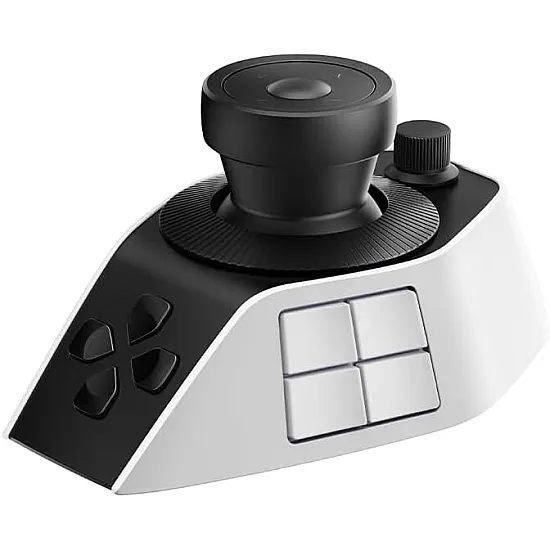
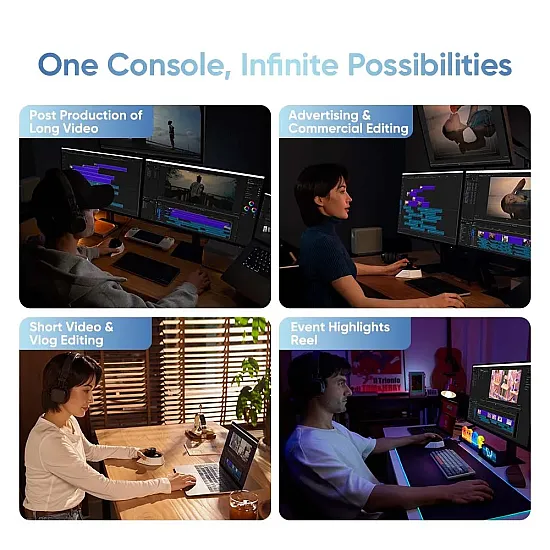


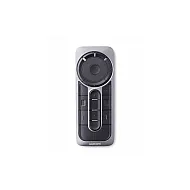
The XPPen Pilot Pro is a professional controller for editing and post-production, specifically designed to save your time and boost your productivity as an alternative to using a standard keyboard.
It features an ergonomic design that maintains the natural posture of your hand and saves you the hassle of repetitive movements, supported by light-touch buttons to ensure your fingers remain comfortable no matter how long your work hours extend.
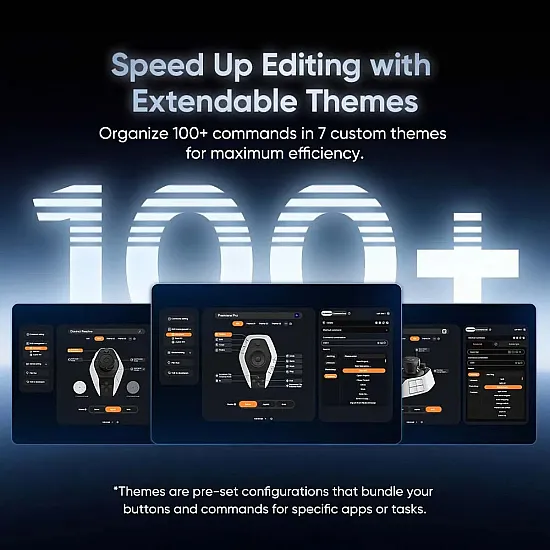
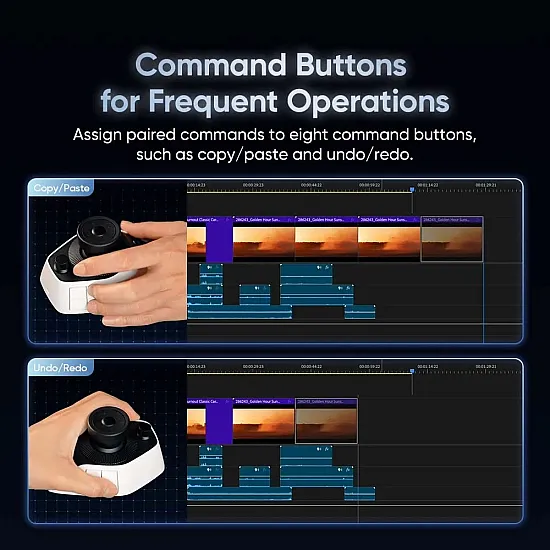
The smart and organized layout of the buttons allows for seamless single-handed control without needing to look away from the screen, guaranteeing the highest levels of focus and speed. You can easily execute over 100 different commands, as the console contains 19 customizable shortcut keys (12 for quick commands, 3 for functions, and 4 touch buttons above the joystick), alongside 3 circular dials and a directional joystick.
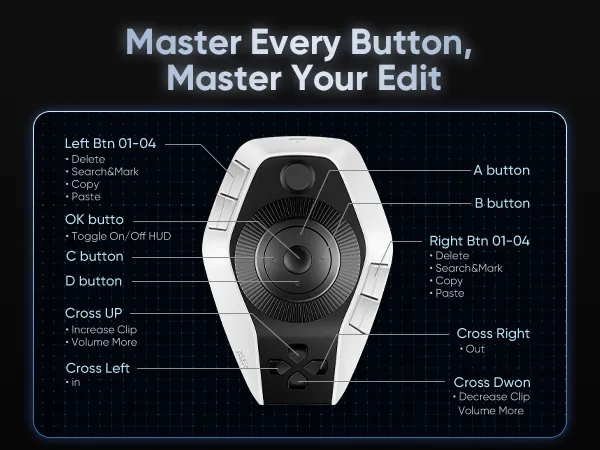
Flexible joystick for precise control
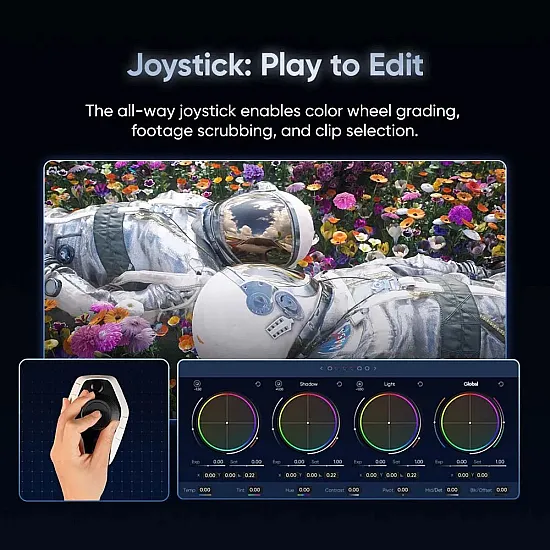
It supports 4 to 8 directions for executing commands, and it also provides you with precise color correction using the color wheel in one smooth motion, without the need for additional keys.
You can also use it to control the playback speed by moving it right or left to easily speed up playback and browse the video.
It also helps you select and cut clips; simply move it upwards to select a specific clip, and downwards to cut it easily.
3 Circular Tri-Dials
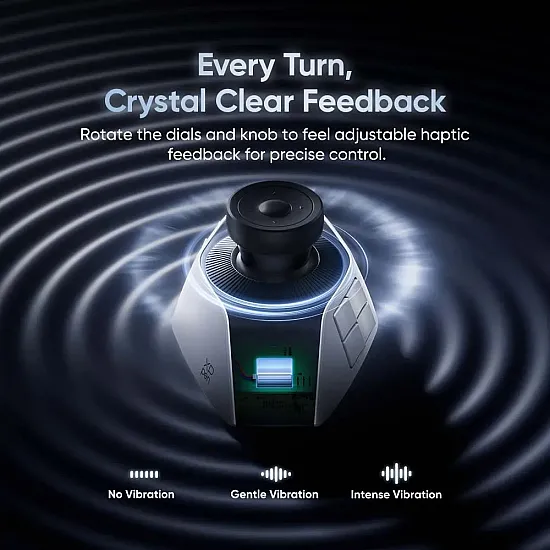
All dials feature a precise vibration with every turn, giving you a sense of complete control, with the option to choose from 3 vibration levels.
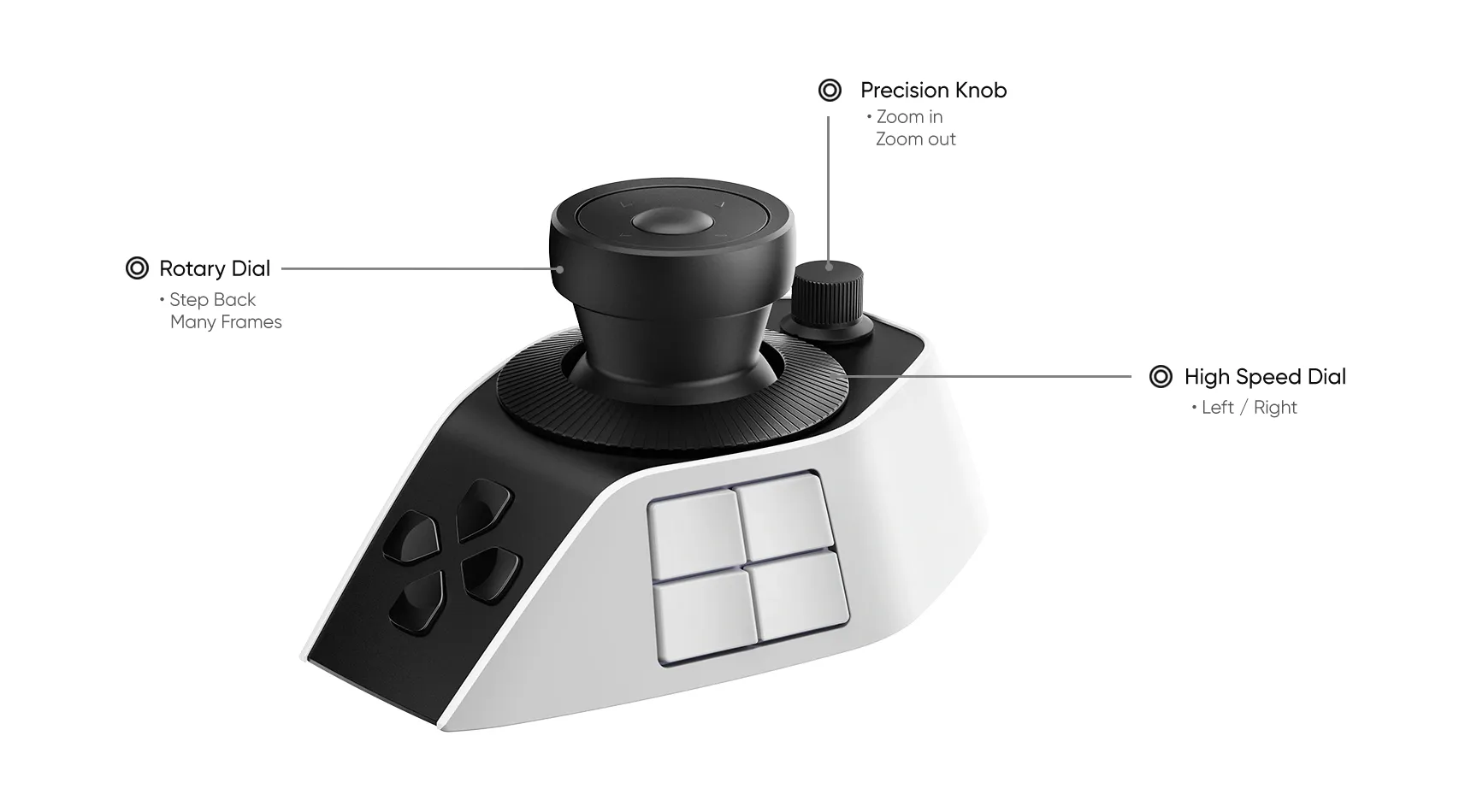
High-speed Dial: For browsing clips at super speed and accurately determining the cutting point.
Precision Knob: Used to move the cursor frame by frame, rotate images, and adjust their angles and sizes with utmost precision.
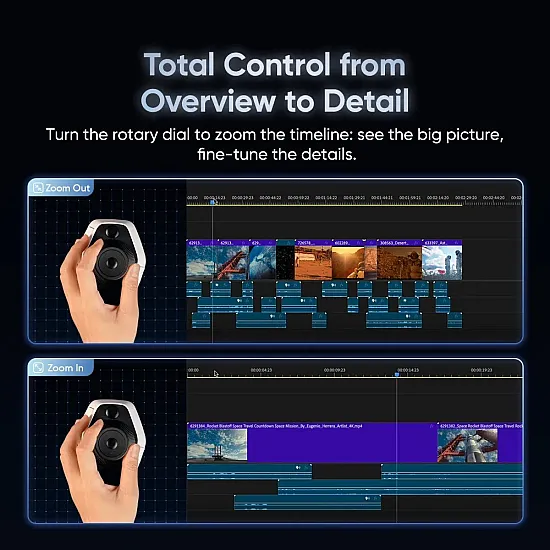
Rotary Dial: For comprehensive control and zooming in/out of the Timeline to make precise adjustments clearly.
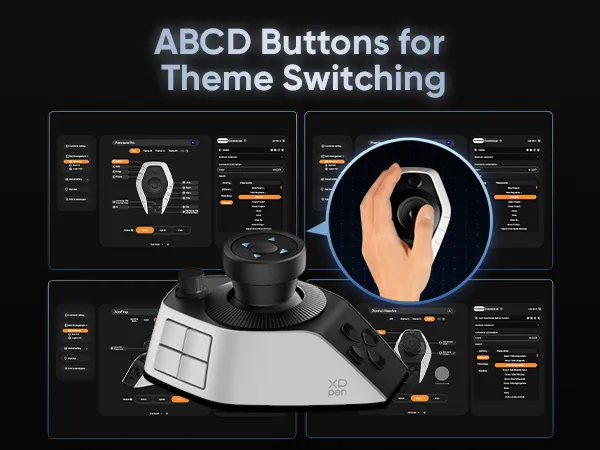
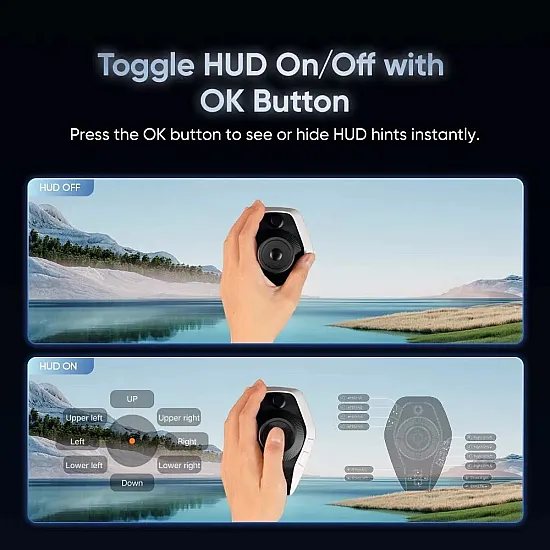
Show or hide the shortcuts list on your screen with a single click on the OK button, keeping all commands right before your eyes without the need to memorize them.
Four directional buttons: Dedicated to side tasks such as adjusting the volume or setting the start and end points (In/Out points).
Expert shortcuts: You can download ready-made shortcut files designed by editing experts and apply them directly to work professionally.
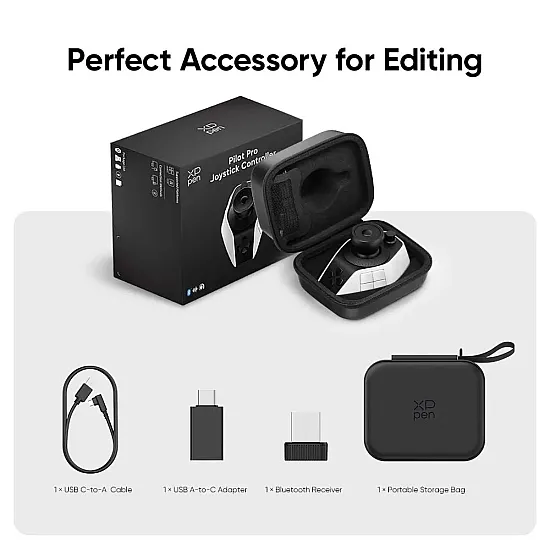
- Wired connection via a USB-Type C cable.
- Wireless connection via dual Bluetooth technology (Bluetooth 5.4 Low Energy), with the ability to pair with two devices at the same time and switch between them.
- Wireless connection via a receiver (Bluetooth Receiver) to ensure stable performance with low-latency.
- (Windows 10) or later.
- (macOS 11.0) or later.
- (Premiere Pro)
- (DaVinci Resolve)
- (Final Cut Pro)
- (CapCut)
- (Photoshop)
- (Lightroom Classic)
*Powerful battery: Equipped with a built-in battery that charges via a (USB-C) port and lasts for more than 15 days of continuous work.
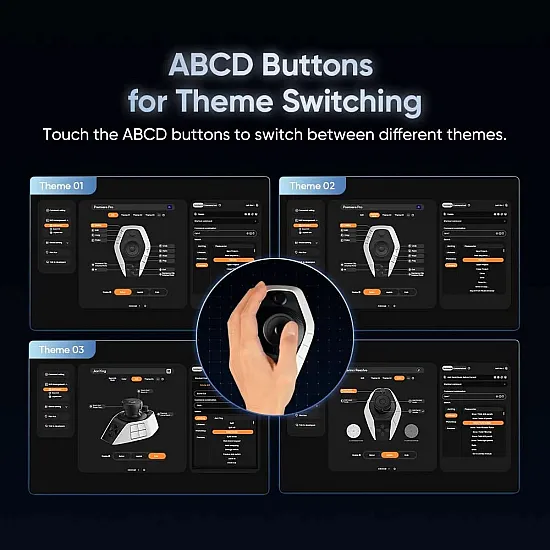
Shortcuts switch automatically when moving from one software to another.